
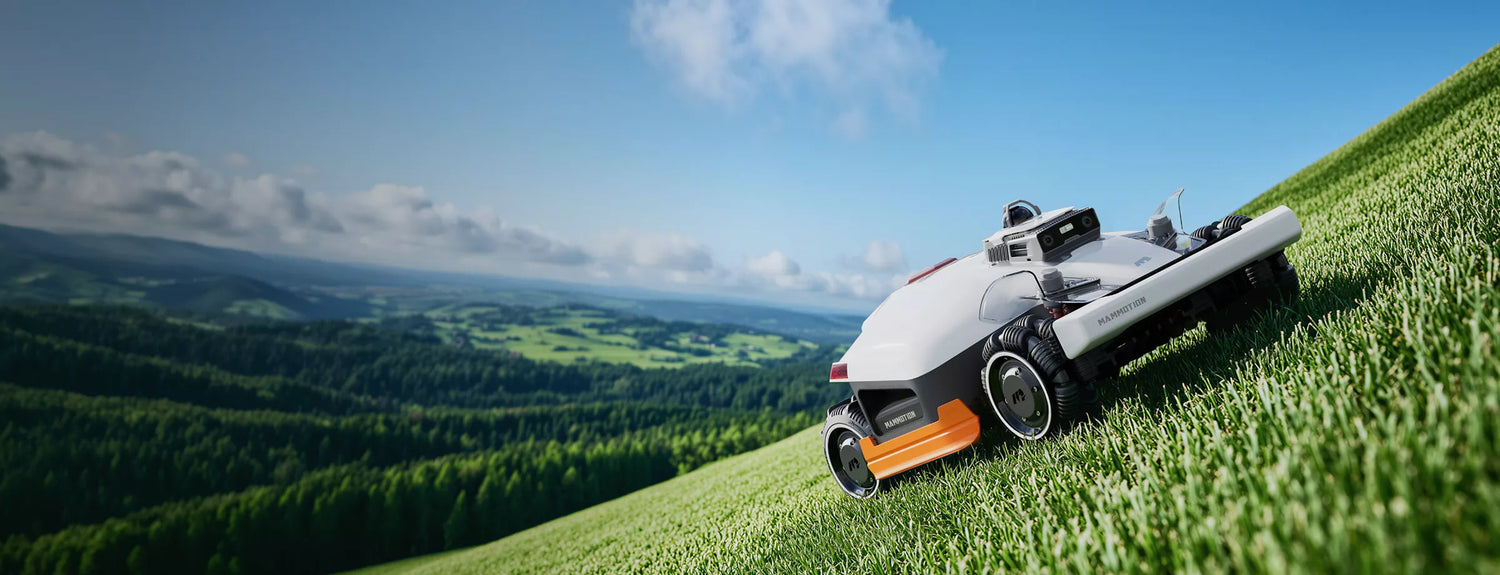
Whether you're setting up your LUBA 3 AWD for the first time, performing routine maintenance, or replacing key components, this page brings together all official Mammotion resources in one place. Explore step-by-step video tutorials, maintenance guides, and product documentation designed to help you keep your robotic mower operating at its best.
All tutorials are organized by category, making it easy to find the information you need—from installation and winter maintenance to part replacement and ongoing care. New official tutorials and guides will be added as they become available, so you can always access the latest support resources for your LUBA 3 AWD.
This page brings together official Mammotion guides and tutorials for the LUBA 3 AWD, helping you quickly find the right resources for installation, maintenance, repairs, and ongoing product care.
|
Information |
Details |
|
Product |
LUBA 3 AWD |
|
Content |
Official maintenance guides & tutorials |
|
Categories |
Installation, Maintenance & Repair |
|
Includes |
Video tutorials, written guides & documentation |
|
Updated |
Regularly with new official resources |
Installation
Set up your LUBA 3 AWD correctly before its first use with the official Mammotion installation tutorials. These guides walk you through unboxing, assembly, and the essential preparation steps to help ensure your robotic mower is ready for safe and reliable operation.
|
Topic |
Description |
Video |
Guide |
|
Unboxing & Assembling the LUBA 3 AWD |
Learn how to unpack, assemble, and prepare your LUBA 3 AWD before using it for the first time. |
|
Maintenance
Regular maintenance helps keep your LUBA 3 AWD performing reliably throughout the mowing season while reducing unnecessary wear on key components. The official Mammotion maintenance guides below cover routine care, seasonal maintenance, and cleaning procedures to help extend the life of your robotic mower.
|
Topic |
Description |
Video |
Guide |
|
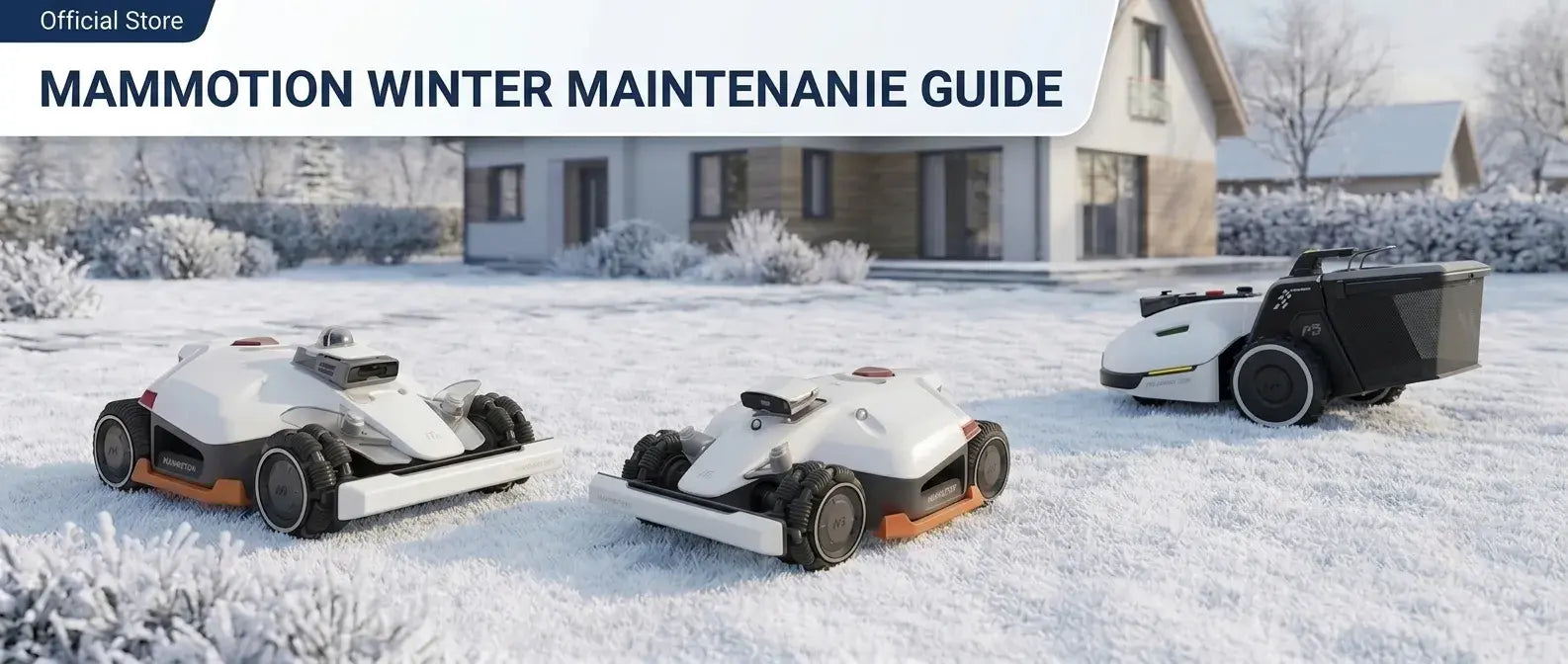
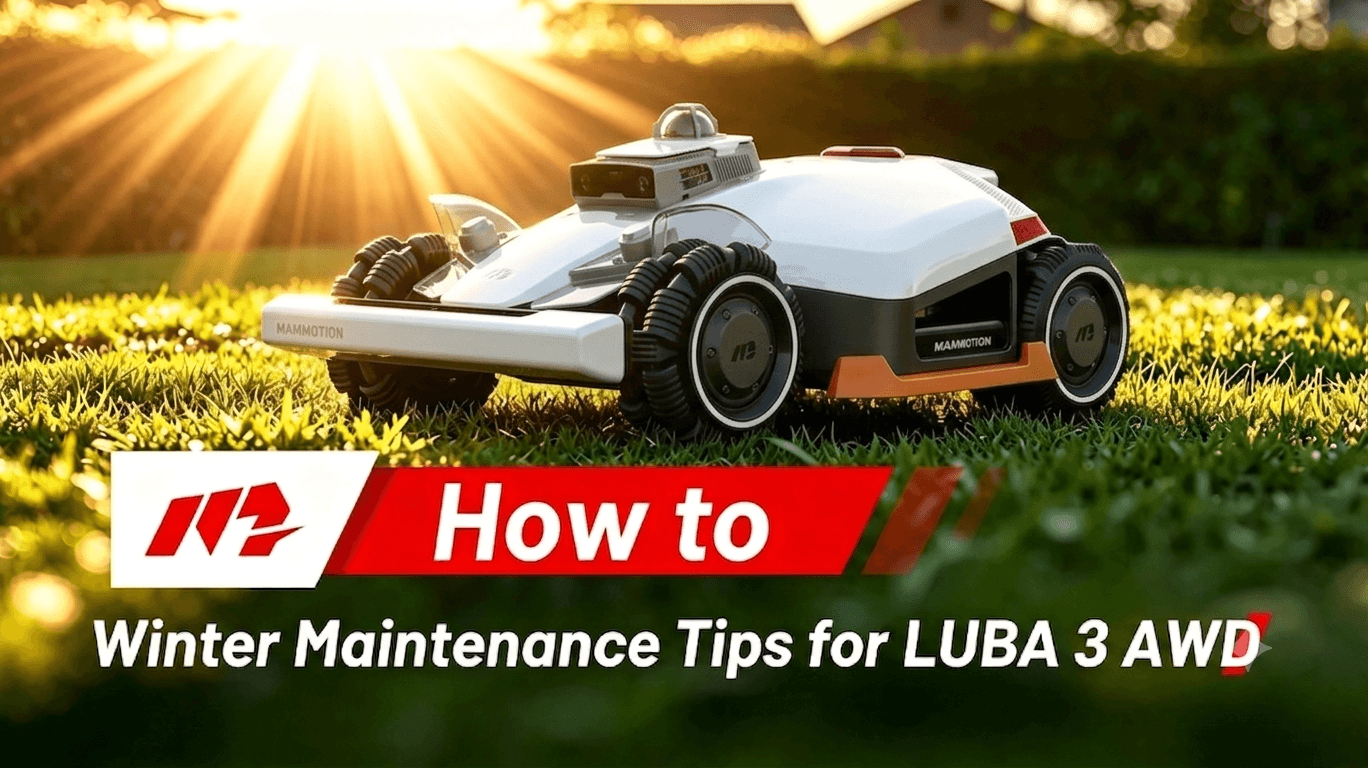
Winter Maintenance |
Prepare your LUBA 3 AWD for winter storage with official cleaning, inspection, and storage recommendations. |
|
|
|
Vision, LiDAR, Infrared & Charging Contacts Maintenance |
Learn how to clean the Vision module, LiDAR, infrared sensors, and charging contacts to maintain reliable navigation and charging performance. |
|
📄 Read Guide (Coming Soon) |
|
Blade Guard Bracket Maintenance |
Follow the official maintenance procedure to inspect and maintain the blade guard bracket for long-term performance. |
|
📄 Read Guide (Coming Soon) |
Repair & Replacement
If a component becomes worn or damaged, the official Mammotion repair and replacement tutorials can help you complete the replacement correctly and safely. Follow the guides below to replace key LUBA 3 AWD components and restore your mower to normal operating condition.
|
Topic |
Description |
Video |
Guide |
|
Leak-proof Cutting Disc Assembly Replacement |
Learn how to remove and replace the leak-proof cutting disc assembly following the official Mammotion procedure. |
|
📄 Read Guide (Coming Soon) |
|
Front Bumper Installation |
Install or reinstall the front bumper correctly to ensure proper protection and operation. |
|
📄 Read Guide (Coming Soon) |
|
Rear Hub Assembly Replacement |
Replace the rear hub assembly step by step using the official maintenance procedure. |
|
📄 Read Guide (Coming Soon) |
|
Blade Guard Bracket Replacement |
Follow the official instructions to replace the blade guard bracket safely and correctly. |
|
📄 Read Guide (Coming Soon) |
|
Install the Mammotion Robot Mower Charging Station |
Install the charging station safely and correctly according to the official instructions. |
▶ Watch Video (Coming Soon) |
Additional Resources
Looking for more than video tutorials? Explore additional official Mammotion resources for the LUBA 3 AWD, including user documentation, maintenance guides, customer support, and other helpful information.
|
Resource |
Description |
Open |
|
Support Center |
Get help with troubleshooting, warranty information, and technical support from Mammotion. |
|
|
Contact Us |
Contact the Mammotion team for sales, technical support, or general inquiries. |
Did you like this article? Add us as a preferred source to find us more easily on Google.